How to Track Your Macros: Complete Beginner's Guide

Reviewed by Sarah Chen, MS, RD

How to Track Your Macros: Complete Beginner's Guide

Tracking macros sounds complicated, but it’s essentially just keeping a food diary with specific numbers. Once you get the hang of it, it takes maybe 10 minutes a day. This guide expands on the tracking section from our complete how to count macros guide with detailed, practical techniques.

This guide walks you through everything from choosing an app to weighing food to handling restaurant meals. By the end, you’ll be ready to track like a pro.

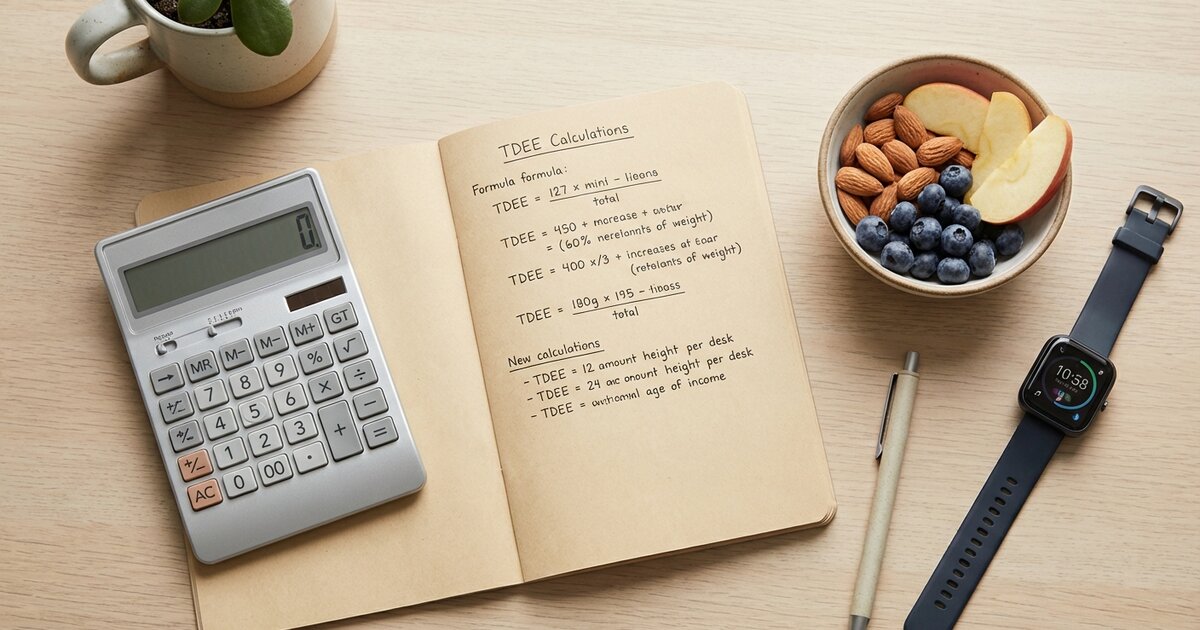
Person using smartphone food tracking app with digital food scale and healthy meal

Why Track Macros?

Before diving into the how, let’s address the why.

What Tracking Actually Does

Tracking provides awareness. Most people have no idea how much they eat. Studies show people underestimate caloric intake by 30-50%. That’s massive.

When you track, you learn:

  • Exactly what you’re eating (no more guessing)
  • Where your calories come from
  • Which foods fit your goals
  • What portion sizes actually look like
  • Patterns in your eating (weekend overeating, snacking, etc.)

Who Benefits from Tracking

Tracking is helpful if you:

  • Want to lose fat and haven’t succeeded with intuitive eating
  • Want to build muscle and need to ensure you’re eating enough
  • Want to understand your eating patterns
  • Need accountability and structure
  • Are starting out and learning about nutrition

Tracking may not be necessary if you:

  • Have successfully maintained your weight for years
  • Have a good intuitive sense of portions
  • Find tracking triggers unhealthy behaviors
  • Are happy with your current body composition

Important note: If you have a history of disordered eating, talk to a healthcare professional before starting to track. For some people, tracking can exacerbate unhealthy patterns.

Counting Macros for Beginners

Step 1: Choose Your Tracking App

You need a food diary. Paper works, but apps make it infinitely easier.

Best Macro Tracking Apps

MyFitnessPal (Most Popular)

  • Largest food database (14+ million foods)
  • Free version is fully functional for tracking
  • Barcode scanner
  • Recipe builder
  • Available on iOS, Android, and web
  • Downsides: Database has user-submitted entries that can be inaccurate

Cronometer (Most Accurate)

  • Curated database (fewer but more accurate entries)
  • Tracks micronutrients in detail
  • No user-submitted junk data
  • Great for data nerds
  • Downsides: Smaller database, some foods require manual entry

MacroFactor (Smartest)

  • AI-powered TDEE adjustments
  • Learns your metabolism over time
  • Collaborative macro coaching
  • Great visualizations
  • Downsides: Paid only (~$12/month), no free option

Lose It!

  • Clean interface
  • Good free version
  • Barcode scanner
  • Downsides: Smaller database than MFP

Carbon Diet Coach

  • Algorithm adjusts macros based on progress
  • Built-in coaching
  • Downsides: Paid only, less flexible if you want to set your own macros

Our Recommendation

For most people: Start with MyFitnessPal. It’s free, has the largest database, and works well. Just double-check entries against nutrition labels when possible.

For serious trackers: Cronometer if you want accuracy, MacroFactor if you want adaptive AI coaching.

Setting Up Your App

  1. Download and create an account
  2. Enter your stats (age, weight, height, activity level)
  3. Set your calorie and macro goals (from your calculations) Macro Calculator
  4. Turn off the “exercise calories” feature (you don’t want the app adding back calories from workouts)

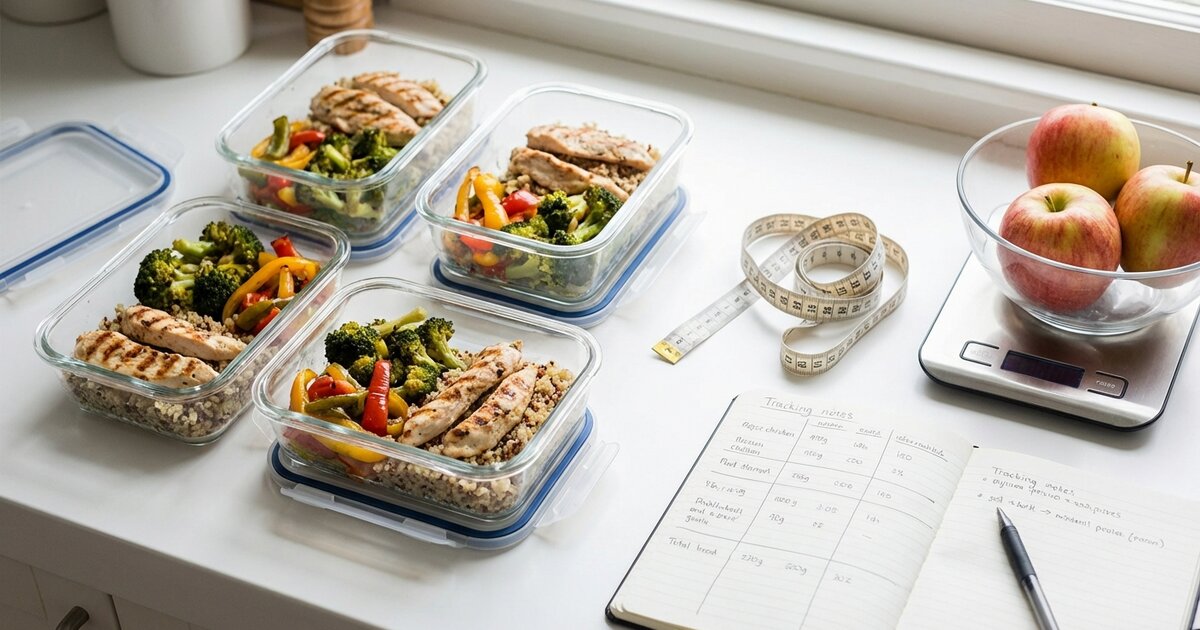
Overhead view of meal prep containers with organized healthy food portions

Step 2: Learn to Read Nutrition Labels

This is a fundamental skill. Every packaged food has a nutrition label—learn to read it.

Anatomy of a Nutrition Label

Serving Size: Everything else on the label is based on this. If the serving is 1 cup and you eat 2 cups, double everything.

Calories: Total energy in one serving.

Total Fat: Grams of fat. Multiply by 9 for calories from fat.

Total Carbohydrates: Grams of carbs. Includes fiber and sugars. Multiply by 4 for calories from carbs.

Protein: Grams of protein. Multiply by 4 for calories from protein.

Example label:

Serving Size: 1 cup (240g)
Calories: 200
Total Fat: 8g
Total Carbohydrates: 25g
  Dietary Fiber: 3g
  Sugars: 6g
Protein: 12g

What this means:

  • One cup = 200 calories
  • Fat: 8g × 9 = 72 calories from fat
  • Carbs: 25g × 4 = 100 calories from carbs
  • Protein: 12g × 4 = 48 calories from protein
  • Total: 72 + 100 + 48 = 220 (labels sometimes round, so small discrepancies are normal)

Common Label Tricks to Watch For

Unrealistic serving sizes: Some products list servings that nobody actually eats. A “serving” of ice cream might be ½ cup—but who stops there?

Servings per container: A single bottle of juice might contain 2.5 servings. If you drink the whole thing, multiply accordingly.

Rounding: Labels can round down, making a food appear to have 0 calories when it actually has up to 5. This matters for things like cooking spray.

“Net carbs”: Some products list “net carbs” (total carbs minus fiber and sugar alcohols). For tracking purposes, log total carbs unless you specifically want to count net carbs.

Step 3: Master the Food Scale

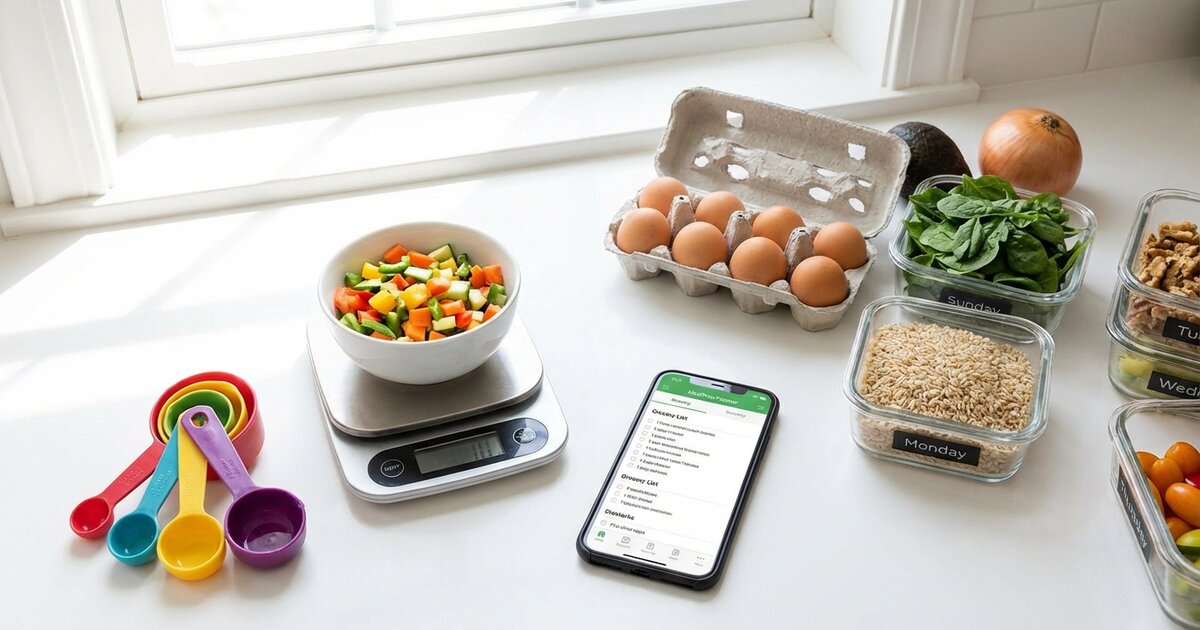
A food scale is the most important tool for accurate tracking. They cost $10-15 and change everything.

Why a Scale Matters

The problem with volume measurements:

How much is a “cup” of rice? It depends on how you pack it. How big is a “medium” potato? Varies wildly.

The difference:

  • A “medium” banana might range from 90-140 calories
  • A “serving” of peanut butter (2 tbsp) is 190 calories, but eyeballing it easily gives you 300+
  • A “cup” of cereal might be 100 calories or 200 depending on how you measure

The solution: Weigh in grams. 100g of chicken breast is always 100g of chicken breast.

How to Use a Food Scale

Basic method:

  1. Place container on scale
  2. Press “tare” or “zero” (resets to 0)
  3. Add food
  4. Record the grams
  5. Look up nutrition per 100g (or let your app calculate)

For multiple ingredients:

  1. Place bowl on scale, tare
  2. Add first ingredient, record weight
  3. Press tare again (resets to 0)
  4. Add second ingredient, record weight
  5. Repeat

Pro tip: Most apps let you enter food in grams. Search “chicken breast” and select the entry that allows you to enter grams rather than “1 serving” or “1 breast.”

What to Weigh

Always weigh:

  • Calorie-dense foods (nuts, nut butters, oils, cheese)
  • Foods you eat a lot of (rice, pasta, oats)
  • Protein sources (to verify you’re getting enough)

Can be less precise:

  • Non-starchy vegetables (the difference is minimal)
  • Foods with nutrition labels you’re eating the full container of

Rule of thumb: If it’s calorie-dense, weigh it. If it’s low-calorie vegetables, eyeballing is fine.

Digital kitchen scale weighing food with various ingredients for accurate macro tracking

Step 4: Log Everything

Consistency is key. If you don’t log it, it didn’t happen (to your tracking at least).

What to Log

Log these:

  • Everything you eat and drink
  • Cooking oils (they add up fast—1 tbsp is 120 calories)
  • Sauces, dressings, condiments
  • “Little bites” throughout the day
  • Alcohol
  • Creamer in your coffee
  • The chips you grabbed from the bag

The “BLT” problem:

BLT = Bites, Licks, and Tastes. The little things you don’t log. That bite of your kid’s mac and cheese. The sample at Costco. Finishing the last few fries off someone’s plate.

These add up. Be honest. Log them.

Building a Food Library

After a few weeks, you’ll eat many of the same things repeatedly. Build a library of “My Foods” or frequent items.

Tips:

  • Create custom entries for your common meals
  • Use the “copy meal” feature for repeat breakfasts/lunches
  • Save recipes you make often
  • Build “quick add” shortcuts for common items

Pre-Logging Your Day

Many successful trackers log their day in the morning before eating.

Why this works:

  • You know exactly what you’ll eat
  • No surprises at the end of the day
  • Easier to adjust portions if needed
  • Reduces decision fatigue

How to do it:

  1. Wake up, open your app
  2. Log what you plan to eat for all meals
  3. Adjust portions if needed to hit macros
  4. Execute the plan
  5. Modify if anything changes

Step 5: Handle Common Situations

Real life isn’t perfectly measured. Here’s how to handle it.

Eating at Restaurants

Restaurant meals are estimates. Accept this and do your best.

Strategies:

  1. Check the restaurant’s website first. Many chains publish nutrition info.

  2. Search the app database. Most popular restaurant items are logged (though accuracy varies).

  3. Estimate by components. Break down the meal:

    • 6oz grilled chicken breast ≈ 45g protein, 280 cal
    • Cup of rice ≈ 45g carbs, 200 cal
    • Tablespoon of butter (assume restaurants use it) ≈ 100 cal
    • Add them up
  4. Build in a buffer. Restaurants typically use more oil, butter, and salt than home cooking. Add 100-200 calories to your estimate for safety.

  5. Don’t stress perfection. One meal won’t make or break your progress. Estimate reasonably and move on.

Home-Cooked Meals and Recipes

The recipe feature:

Most apps have a recipe builder. Use it.

  1. Enter all ingredients with weights
  2. Enter total servings the recipe makes
  3. Log how many servings you ate
  4. The app calculates the rest

Example:

  • You make a stir-fry with 1 lb chicken, 2 cups rice, vegetables, 2 tbsp oil
  • Enter each ingredient into the recipe builder
  • Say it makes 4 servings
  • You eat 1 serving = ¼ of the total macros

Tip: Weigh the total finished dish, then divide. If your stir-fry weighs 800g total and you eat 200g, you ate 25% (or 1 of 4 servings).

Meals Prepared by Others

When someone else cooks and you don’t know exactly what went in:

  1. Ask what’s in it (ingredients, not amounts)
  2. Estimate conservatively—assume more oil/butter than you’d use
  3. Find a similar item in your app’s database
  4. Log your best guess and move on

One imperfect entry is better than no entry.

Packaged Foods

If the package has a barcode:

  1. Scan it with your app
  2. Verify the entry matches the label
  3. Enter the amount you ate

If the entry looks wrong: Create a custom entry or search for an alternative. Database errors exist.

Alcohol

Alcohol has calories—7 per gram—and no macro value (doesn’t count as protein, carbs, or fat in most tracking).

How to log it:

Most apps have alcohol entries. Search for your drink.

Common drinks:

DrinkCalories
Light beer (12 oz)100
Regular beer (12 oz)150
IPA (12 oz)200+
Glass of wine (5 oz)120
Shot of liquor (1.5 oz)100
Margarita250-400
Piña colada500+

Strategy: If tracking macros strictly, count alcohol calories as coming from either carbs or fat (or split between both). Many trackers just focus on staying within their calorie goal when drinking.

Macros vs Calories

Step 6: Maintain Accuracy Over Time

Tracking is only useful if it’s accurate. Here’s how to stay on point.

Common Tracking Errors

1. Not logging cooking oils A “splash” of olive oil is usually 1-2 tablespoons = 120-240 calories. Always log it.

2. Forgetting condiments and sauces Ketchup, mayo, salad dressing, BBQ sauce—they add up. Log them.

3. Eating from bags/containers Never eat directly from a bag. Portion into a bowl and weigh.

4. Selective logging “I won’t log this one thing”—this adds up fast. Log everything.

5. Using wrong database entries Always verify entries match the actual nutrition label.

6. Measuring cooked vs. raw incorrectly Rice and pasta roughly triple in weight when cooked. 100g dry rice ≠ 100g cooked rice. Most entries specify (dry) or (cooked)—use the right one.

7. Rounding too much “About 2 tablespoons” of peanut butter could be off by 100+ calories. Weigh it.

Periodic Accuracy Check

Every few months, do a “tracking audit”:

  1. Weigh everything for one week (even things you normally eyeball)
  2. Compare to your usual estimates
  3. Recalibrate your portions as needed

You’d be surprised how “one cup” of rice has grown since you started.

When to Stop Using the Scale

After months of weighing, you develop portion intuition. Many people transition to:

Scale for some, estimate for others:

  • Weigh calorie-dense foods (nuts, oils, nut butters)
  • Estimate low-calorie foods (vegetables, fruits)
  • Weigh protein sources when precision matters

Periodic check-ins:

  • Track loosely day-to-day
  • Weigh everything for one week per month
  • Recalibrate as needed

Full intuitive eating:

  • After 6-12 months of tracking
  • When you’ve maintained goals successfully
  • When you can estimate portions accurately
  • When tracking no longer serves you

Person enjoying a balanced colorful salad bowl with grains and vegetables

Step 7: Build Sustainable Habits

Tracking should serve you, not become an obsession.

The 80/20 Approach

You don’t need 100% accuracy to get results. 80-90% accuracy, consistently, beats 100% accuracy for two weeks then burnout.

This means:

  • Track the best you can on most days
  • Don’t stress about one imperfect meal
  • Accept restaurant estimates
  • Focus on overall patterns, not perfection

When to Take Breaks

Signs you might need a break from tracking:

  • You’re anxious about eating anything you can’t log
  • You avoid social situations because of food
  • You’re obsessing over small calorie differences
  • It’s affecting your relationship with food
  • You’ve been tracking for 6+ months successfully and feel confident

How to take a break:

  • Stop tracking for 1-2 weeks (or longer)
  • Practice intuitive portion control
  • Focus on food quality rather than quantity
  • Return to tracking if you drift from your goals

Tracking as a Skill, Not a Life Sentence

Think of tracking as training wheels. The goal is to eventually ride without them.

The progression:

  1. Learning phase: Track everything, weigh everything, learn portions
  2. Practicing phase: Track consistently, build habits
  3. Maintenance phase: Track loosely, weigh occasionally
  4. Intuitive phase: Eat well without tracking, check in periodically

Not everyone reaches the intuitive phase, and that’s okay. Some people prefer the structure of tracking long-term.

How to Hit Your Macros

Troubleshooting Common Issues

”I Can’t Hit My Protein Target”

Solutions:

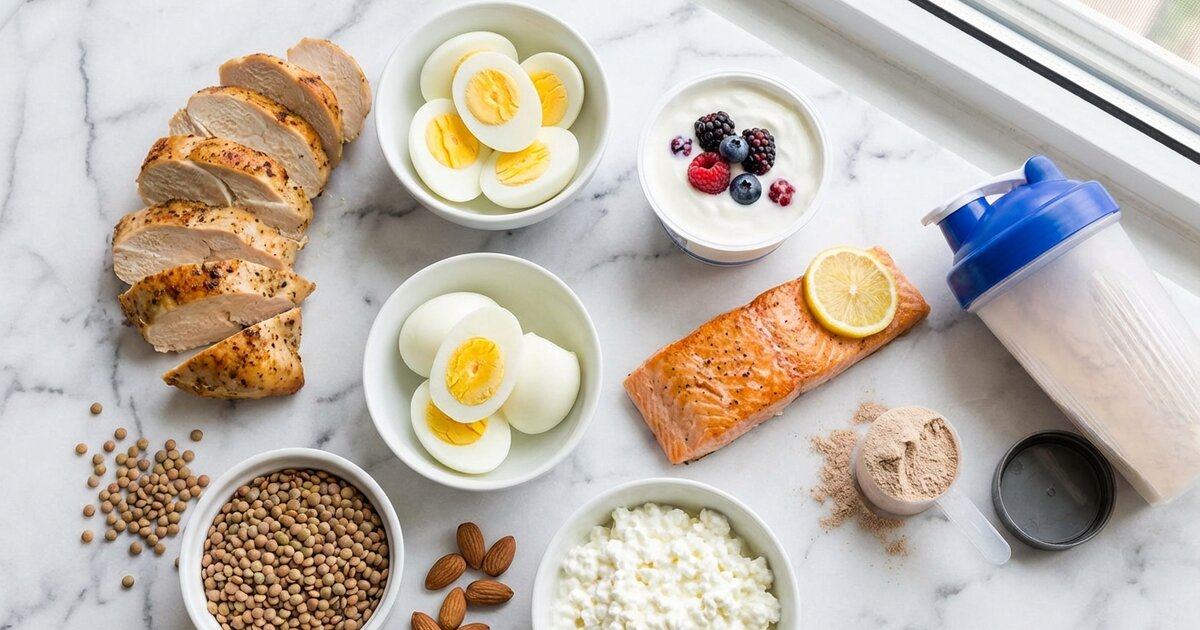
  • Add protein to every meal (30-40g minimum)
  • Use protein powder to fill gaps
  • Choose higher-protein versions of foods (Greek yogurt vs. regular)
  • Keep protein snacks on hand (string cheese, deli meat, protein bars)
  • Plan protein first, then build meals around it

”I’m Always Over on Fat”

Solutions:

  • Use cooking spray instead of oil
  • Choose leaner protein sources
  • Measure nuts, nut butters, and oils precisely (these are the usual culprits)
  • Watch hidden fats in restaurant cooking
  • Reduce added fats (butter, cheese, dressings)

“I’m Always Over on Carbs”

Solutions:

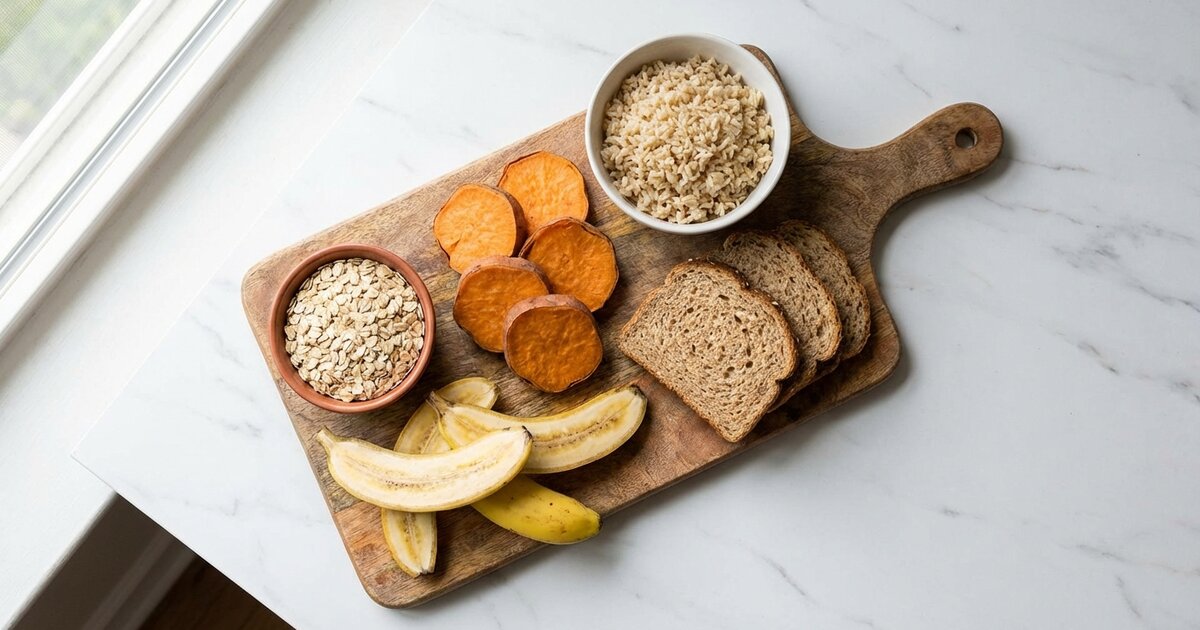
  • Reduce portion sizes of starches (rice, bread, pasta)
  • Swap higher-carb snacks for protein-focused ones
  • Watch sugary drinks (including “healthy” smoothies)
  • Be aware of hidden carbs (sauces, dressings)

“I’m Always Under My Calories”

Solutions:

  • Add healthy fats (most calorie-dense macro)
  • Increase carbs around workouts
  • Eat more frequently
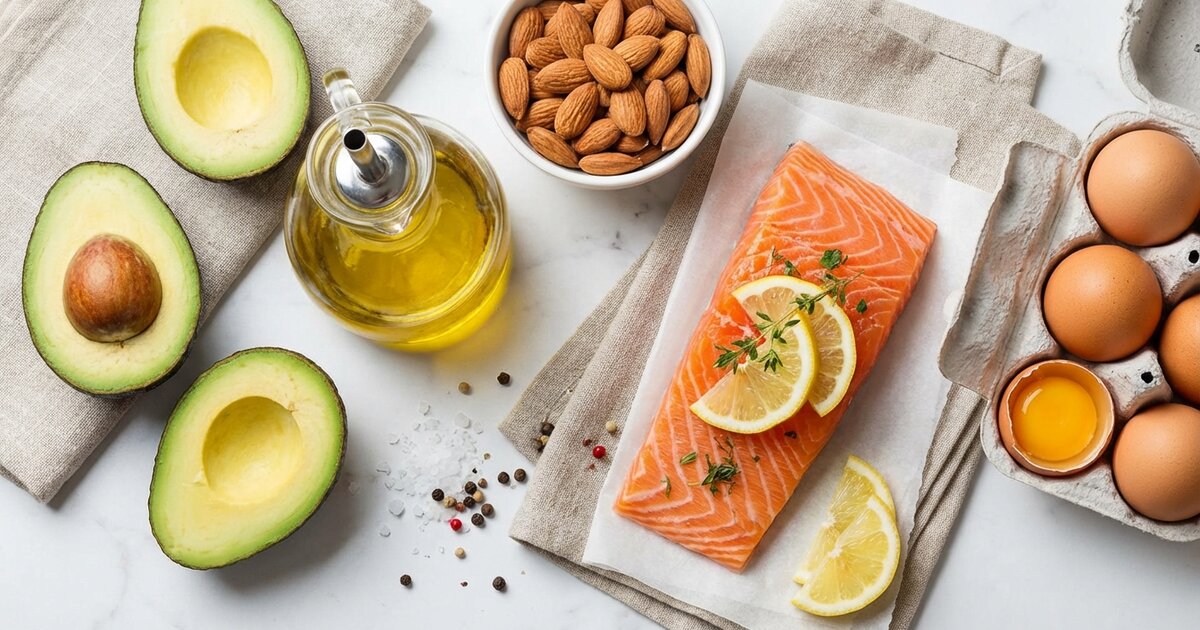
  • Add calorie-dense but nutritious foods (avocado, nuts, olive oil)
  • Drink your calories (smoothies, milk)

“I Go Over on Weekends”

Solutions:

  • Plan weekend meals in advance
  • Bank some calories during the week (eat slightly less Mon-Thu)
  • Track on weekends (even if less precisely)
  • Set weekend-specific macro goals
  • Identify your triggers (social eating, alcohol, eating out)

“The Database Entry Doesn’t Match My Food”

Solutions:

  • Create a custom entry using the actual label
  • Search for a verified entry (green checkmark in MFP)
  • Look for USDA entries (most accurate)
  • When in doubt, overestimate calories

Tools and Resources

Essential Equipment

Must-have:

  • Food scale ($10-15)
  • Tracking app (free or paid)
  • Measuring cups/spoons (for liquids)

Nice-to-have:

  • Second food scale for work
  • Meal prep containers with portion markings
  • A simple notebook for notes/patterns

Helpful Databases

  • USDA FoodData Central (fdc.nal.usda.gov) — Most accurate
  • Restaurant websites — For chain nutrition info
  • CalorieKing (calorieking.com) — Additional database

Educational Resources

What Are Macronutrients Macro Calculator Counting Macros for Beginners

FAQ: Tracking Questions

Should I track on days I don’t exercise?

Yes. Your body needs consistent nutrition regardless of training. Rest days still require fuel for recovery.

Do I need to hit my macros exactly?

No. Aim for within 5-10g on protein (since it’s most important for most goals) and flexible on carbs/fat as long as total calories are close.

Should I weigh food raw or cooked?

Either works, but be consistent and use the matching database entry. Raw weights are often more accurate since cooking changes water content.

What about the calories burned from exercise?

Don’t eat them back unless you’re trying to maintain or build muscle. Your TDEE calculation already includes your activity level.

How long should I track?

Until you’ve built intuition for portions and can maintain your goals without it—typically 3-6 months of consistent tracking. Some people prefer to track indefinitely, and that’s fine too.

What if I forget to log a meal?

Log it from memory as best you can. An estimate is better than nothing. Then move on—one imperfect day doesn’t ruin your progress.

Your Tracking Action Plan

Week 1: Setup

  • Download a tracking app
  • Set your macro goals
  • Buy a food scale
  • Start logging everything (focus on learning, not perfection)

Week 2-4: Build the Habit

  • Log before you eat when possible
  • Weigh calorie-dense foods consistently
  • Build your library of frequent foods
  • Create recipes for meals you make often

Month 2-3: Refine Accuracy

  • Do an accuracy check (weigh everything for a week)
  • Identify and fix your common errors
  • Get comfortable with restaurant estimates
  • Develop your routine

Month 4+: Maintain or Transition

  • Continue tracking if it serves you
  • Begin reducing scale use if you’re confident
  • Take breaks as needed
  • Trust your developing intuition

Tracking macros is a skill. Like any skill, you’ll get better with practice. The first week is the hardest—after that, it becomes second nature.

Start imperfectly. Improve over time. The data will transform how you understand your eating.


Last updated: February 2026

Jessica Williams
Jessica Williams, CPT, CSCS

Jessica Williams is a certified personal trainer and strength coach who has helped hundreds of clients transform their bodies through smart training and nutrition. She specializes in helping beginners navigate macro tracking and sustainable fitness practices that fit real life.

View all articles by Jessica →

Disclaimer: This content is for informational purposes only. Consult a healthcare provider before making changes to your diet.